






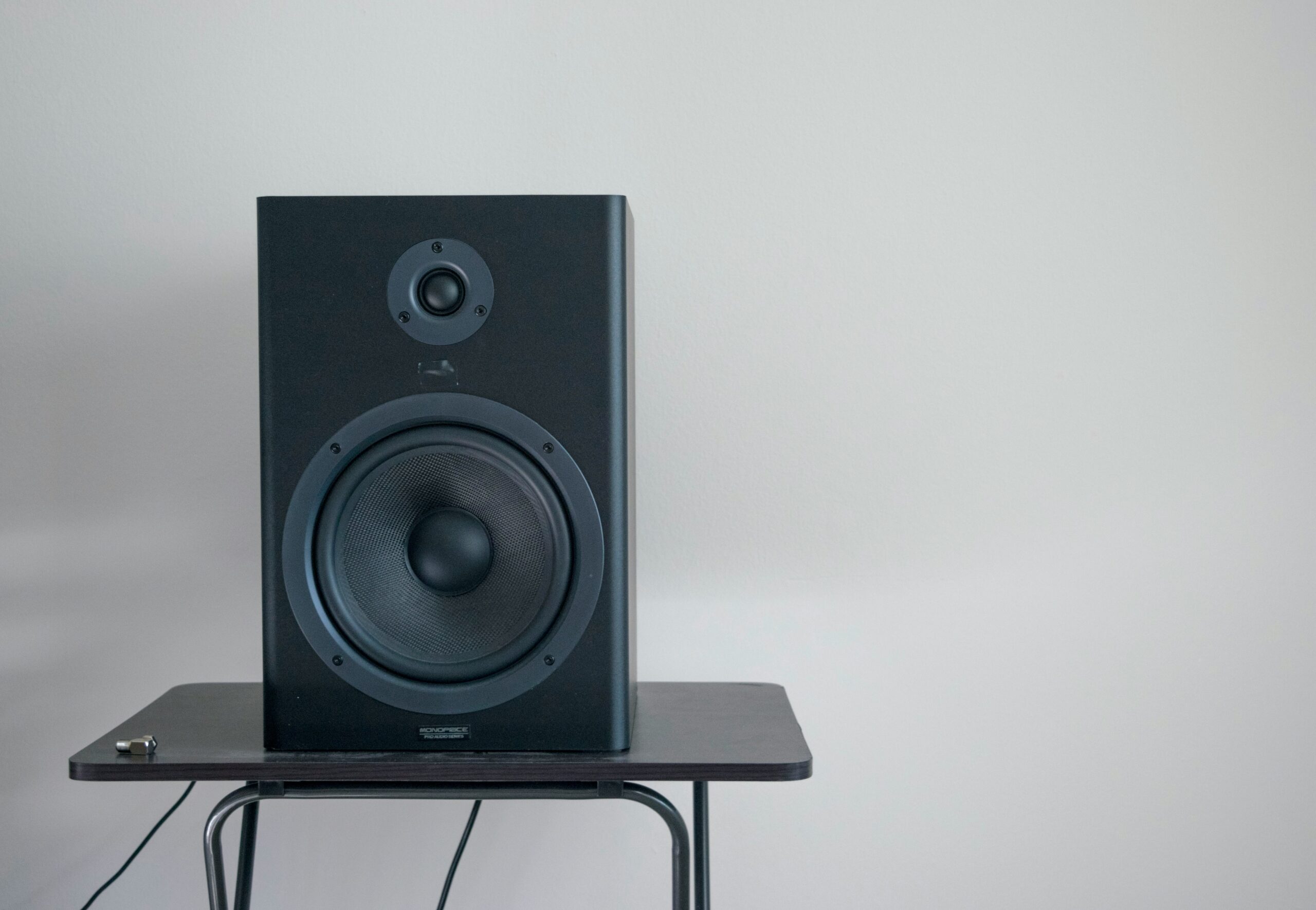
Speakers, be it portable Bluetooth speakers or bigger home and studio systems, are meant to stimulate your senses via music, podcasts, or movies. Once they start overheating or stop working completely, such beauty disappears and frustration sets in. Such problems are alarmingly common, but lucky for you, in most cases, you don’t have to toss your speaker into the bin. If you work down through the right troubleshooting steps, you may well put the speaker into working condition again and halt the onset of the very same issues. buy best speakers 2025
This article comprehensively goes through the speakers overheating or non-functioning, repair approaches, and healthy maintenance procedures.
Why do speakers overheat?
Unlike a mobile phone or laptop, a speaker that tends to get hot is not what most would envision. Yet, overheating is fairly common if the active speakers (those containing a built-in amplifier) are in question. The common causes are:
- Playing at Maximum Volume for Too Long
By pushing the speaker close to its limits, the amplifier is forced to exert extra amount of effort. That effort is actually heat generated. One of the quickest ways to induce overheating in a portable Bluetooth speaker is keeping it at the highest volume level just throughout a party. - Poor Ventilation and Placement
Speakers need air circulation. Put them in a cabinet with doors or in a spot that is pressed tightly against the wall and you will have locked in heat. Heat trapped inside due to lack of air circulation is going to get tricky. - Amplifier Overload or Mismatch
For wired systems, speakers connected with incorrect impedance rating place an additional illegal load on the amplifier. This not only results in its overheating but also involves shortening of life of components inside. - Faulty or Old Components
If capacitors, resistors, or transistors inside the amplifier have aged, they may no longer be capable of regulating power efficiently. During the very moments they try, they create additional heat. On occasion, the accumulation of dust can create small short circuits that make matters worse. - Charging While Under Heavy Use
Charging the battery of a portable speaker while it is blasting heavy volume just adds to the overall heat inside the small enclosure, growing with time that stress on the battery would wear it out and stress the amplifier.
Why Do Speakers Stop Working?
Sometimes this problem of overheating is accompanied by a speaker that tilts into silence or only distortion. The usual culprits include:
Blown speaker drivers: This would generally happen when either bass boost or high volume forces the cone beyond what it can take.
Loose or damaged wiring: In a larger setup, internal cabinet connections can become loose due to vibrations.
Software glitches: Many Bluetooth speakers depend on firmware. One little bug might utterly prevent sound output.
Dead batteries: If the battery is dead, the portable speaker may not power up even if it is plugged in.
Moisture or dust: Humidity and dirt are silent killers of electronic circuits.
Stepwise Procedures During Troubleshooting for Overheating
If the speaker just gets too hot to hold, do the following steps before the next use:
- Power Down Immediately
Stop playback and power off the speaker. Unplug it from the outlet until it has cooled down for at least 20–30 minutes, and only then will you dare to touch something inside. - Check Placement
Put the speaker into an open area where air circulation exists. Avoid placing it on carpets and any other soft surface that occludes its vents. - Lower the Volume
Set the volume to moderate once cool. If overheating occurs only when pushed hard, driving it too aggressively might just be what you have been doing. - Examine the Power Source
Powered speakers mostly give heat when power voltage level is insulted, i.e., a 9 V rated adapter giving 12 V to the soundbox. Always keep an eye on this. - Clean the Vents
Use a can of compressed air or a soft brush to clean dust from vent holes. Even a mere thin layers of dust might trap great heat inside. - Test Charging Behavior
If the speaker only overheats while charging, your battery might be heading for its last rites. You should get it changed.
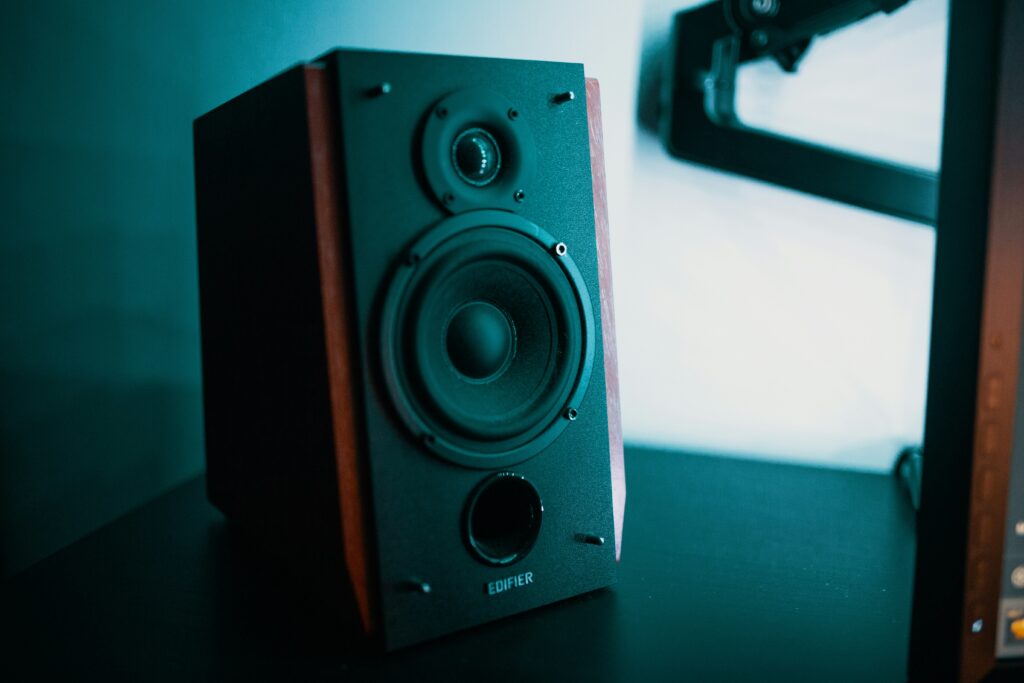
Speaker Not Working Troubleshooting
If it is more than just heat and the speaker goes silent:
- Check Connections and Cables
Change cables, swap audio sources, and test different ports. A faulty cable can be confused with a dead speaker. - Reset the Speaker
The great majority of Bluetooth speakers have a reset button combination (usually power + volume). This procedure clears temporary glitches. - Try Another Device
Link the speaker to another phone, laptop, or music player. This eliminates the problem on your main device. - Inspect for Physical Damage
If the sound is muffled or rattling, the cone may be torn. If it’s silent though power light is on, the amplifier board may be at fault. - Battery and Power Check
Charge portable speakers for a few hours with the correct adaptor. If it does not turn on after, the internal battery is likely in need of replacement.
When Should You Repair and When Should You Replace
The choice to repair or replace will largely depend on the cost of repair versus cost of replacement and availability of parts.
You should repair if:
–The battery is replaceable.
–The cause is a loose connection or dirty contacts.
–Cleaning and ventilation resolve the overheating.
You should replace if:
–The speaker driver is blown beyond repair.
–The amplifier board is fried.
–Repair costs are close to the cost of a new speaker.
–Small Bluetooth speakers are nearly always cheaper to replace, whilst large professional monitors are worth repairing.
How to Prevent Problems from Arising
- Prevention always remains better than cure. To maintain your speaker in the best condition, consider the following habits:
- Moderate Volume Use
Great music doesn’t always need super loudness. The volume of your speaker is best protected and so are your ears. - Give It Breaks
During any party, the speaker can get a breather for 15–20 minutes every couple of hours. - Store Neatly
Keep it in a cool and dry place. Don’t leave it in hot cars or damp basements. - Use the Right Charger
Always refer to the manufacturer’s voltage and current specifications. - Update Firmware
Keep your smart or Bluetooth speaker up to date whenever updates are available, as these can improve power management. - Try External Cooling for Studio Equipment
For large active monitors or PA speakers used in hot environments, a small external cooling fan might aid in airflow.
Just because a speaker overheats or stops working doesn’t immediately mean it is the end of the road for that speaker. In many cases, the answer might be just lowering the volume or moving it to a better place or simply buying a cheap cable. The relatively more complicated cases include dead batteries and faulty amplifier boards that may require minimizing one’s skills, but it stands to reason: with a little caring and maintenance, the majority of speakers could be rescued.